PortfolioUIUX Design
Game Interface APP
Project Summary
-
Client Requirement:
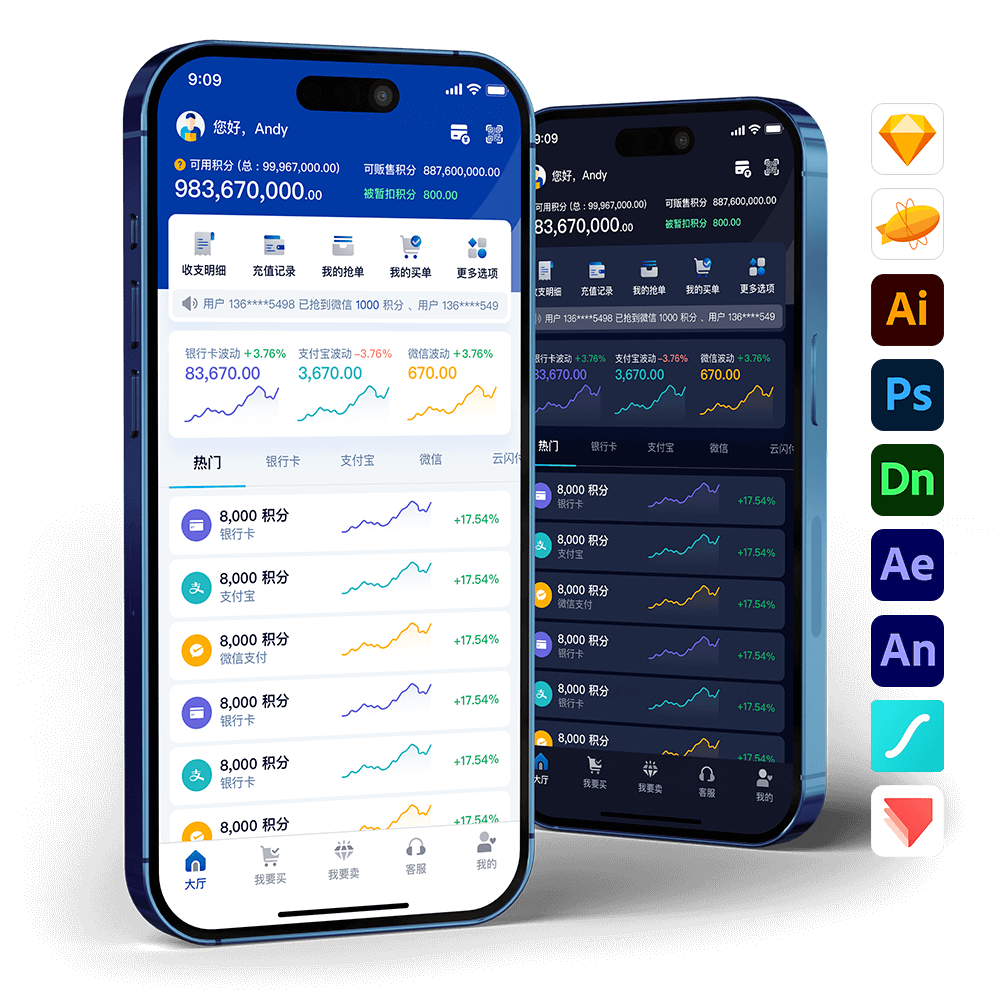
The client requested a redesign of the “Well Pay” product with the introduction of a dark-themed version to enhance the brand’s identity and modern appeal. This version aims to address the issue of excessive whitespace found in the previous design, while incorporating more interactive animations to improve the overall user experience, making the product more engaging and contemporary. - Client: Paradise Game
- Project Scope: App copywriting, logo design, UI/UX design, animation production, 3D production, and prototype development.
- Tools & Technologies: Adobe XD, Zeplin, Illustrator, Photoshop, Dimension 3D, After Effects, Animate, Lottie, ProtoPie
-
Note:
“Well Pay” was previously known as “K Coin Exchange.” The design proposal was approved by the client and later developed into an app by their internal team.
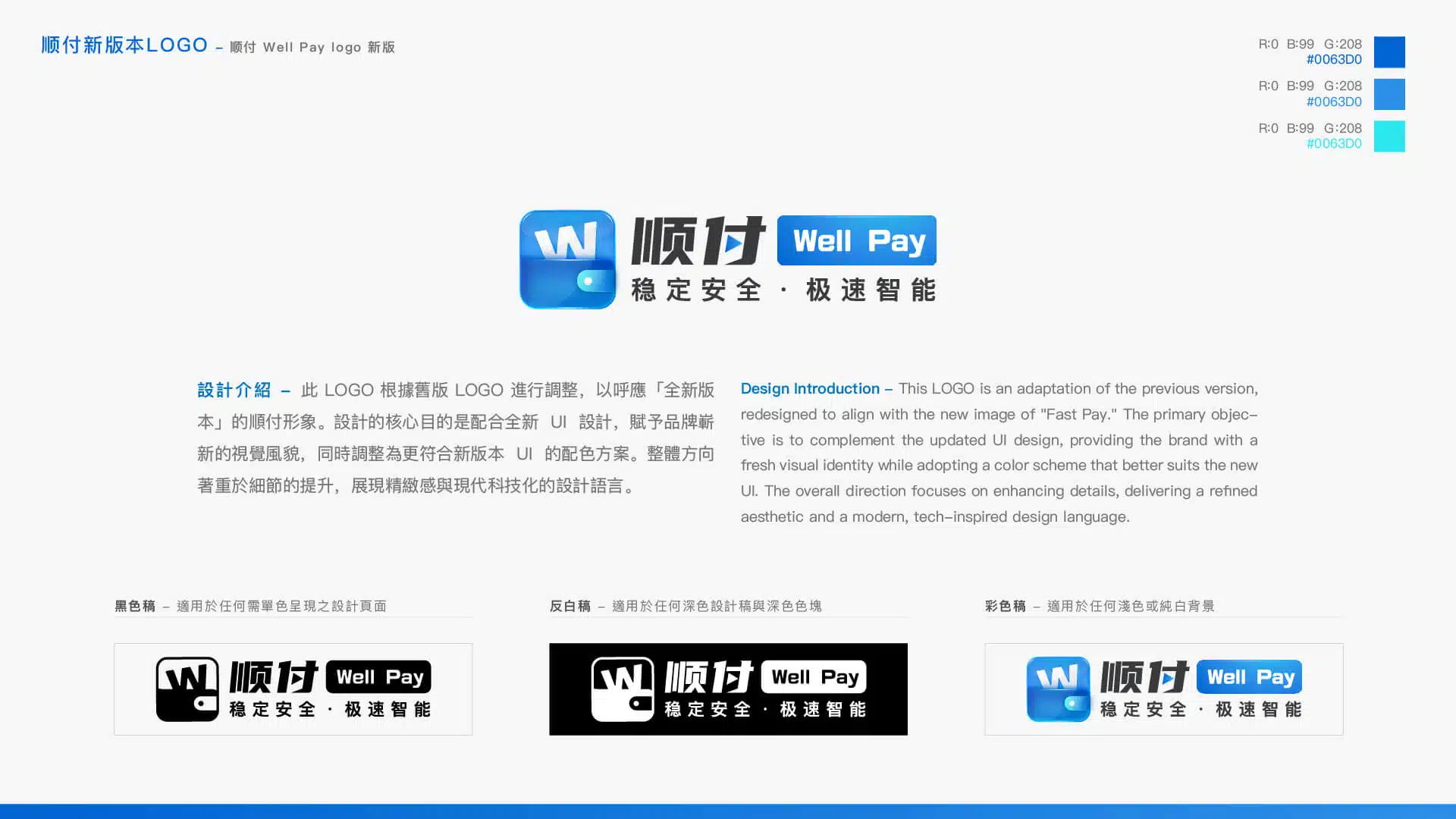
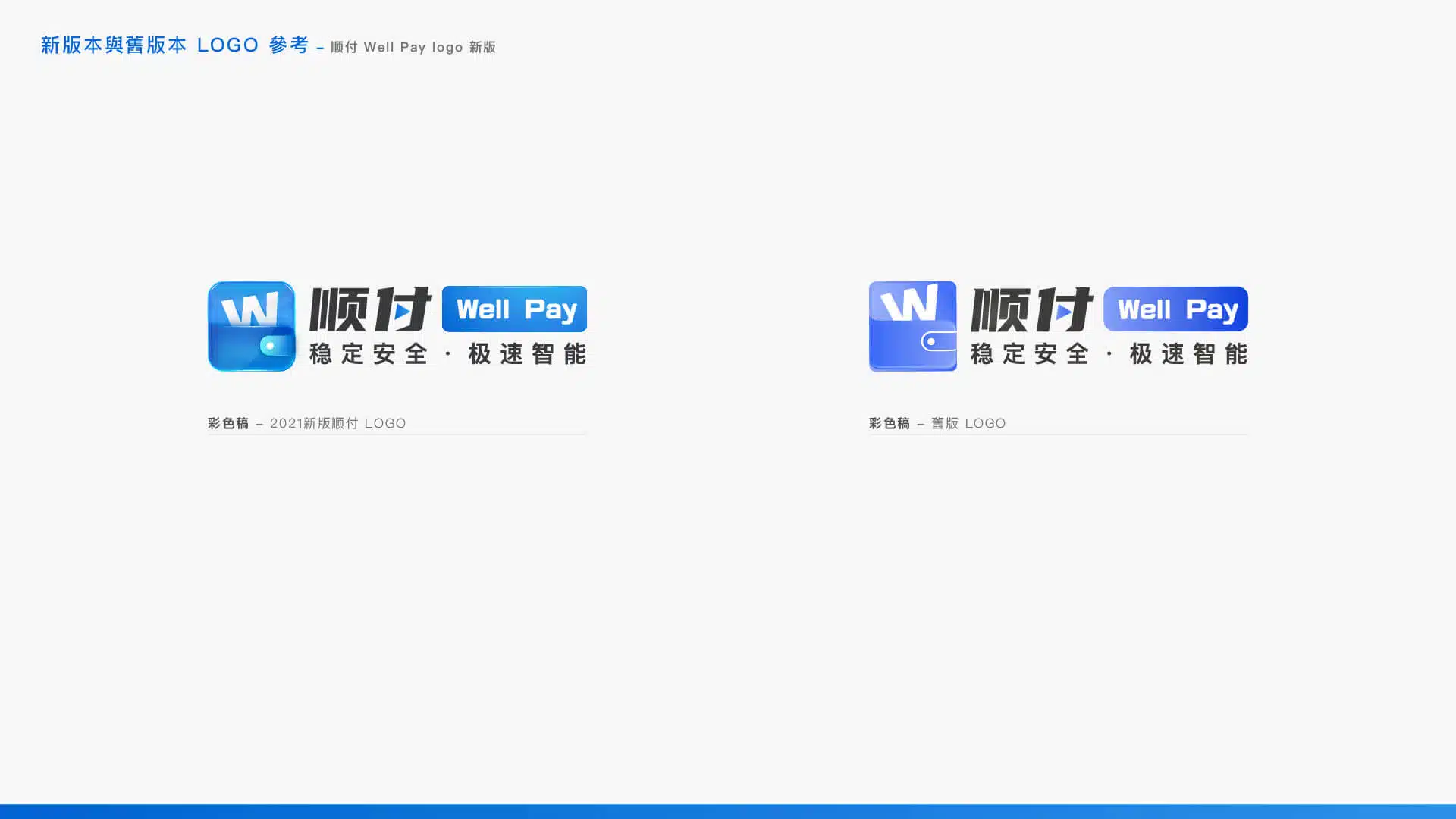
Logo Redesign
App Launch Screen Animation
Concept: “Lightning-Fast Intelligence”
The purpose of the brand logo animation is to reinforce brand recognition. Similar to the logos used in many games and films, it is paired with a dedicated animation to strengthen audience recall and create a memorable impression. Suggested considerations for sound design are as follows:
- Game Apps:
Since users typically expect sound effects as part of the gaming experience, incorporating audio into the animation is both reasonable and widely accepted, as it aligns with users’ psychological expectations and enhances immersion. - Well Pay App:
Since Well Pay functions primarily as a payment and game-credit transfer platform, users generally do not expect sound effects. In environments such as workplaces or while listening to music, unexpected audio may interrupt users’ focus and could even lead them to close the app immediately. Therefore, it is recommended that the logo animation remain silent and focus purely on visual presentation.
Animation Design Concept:
The logo animation adopts the concept of “Lightning-Fast Intelligence,” using smooth motion and technological visual elements to highlight the brand’s modern identity and high efficiency.
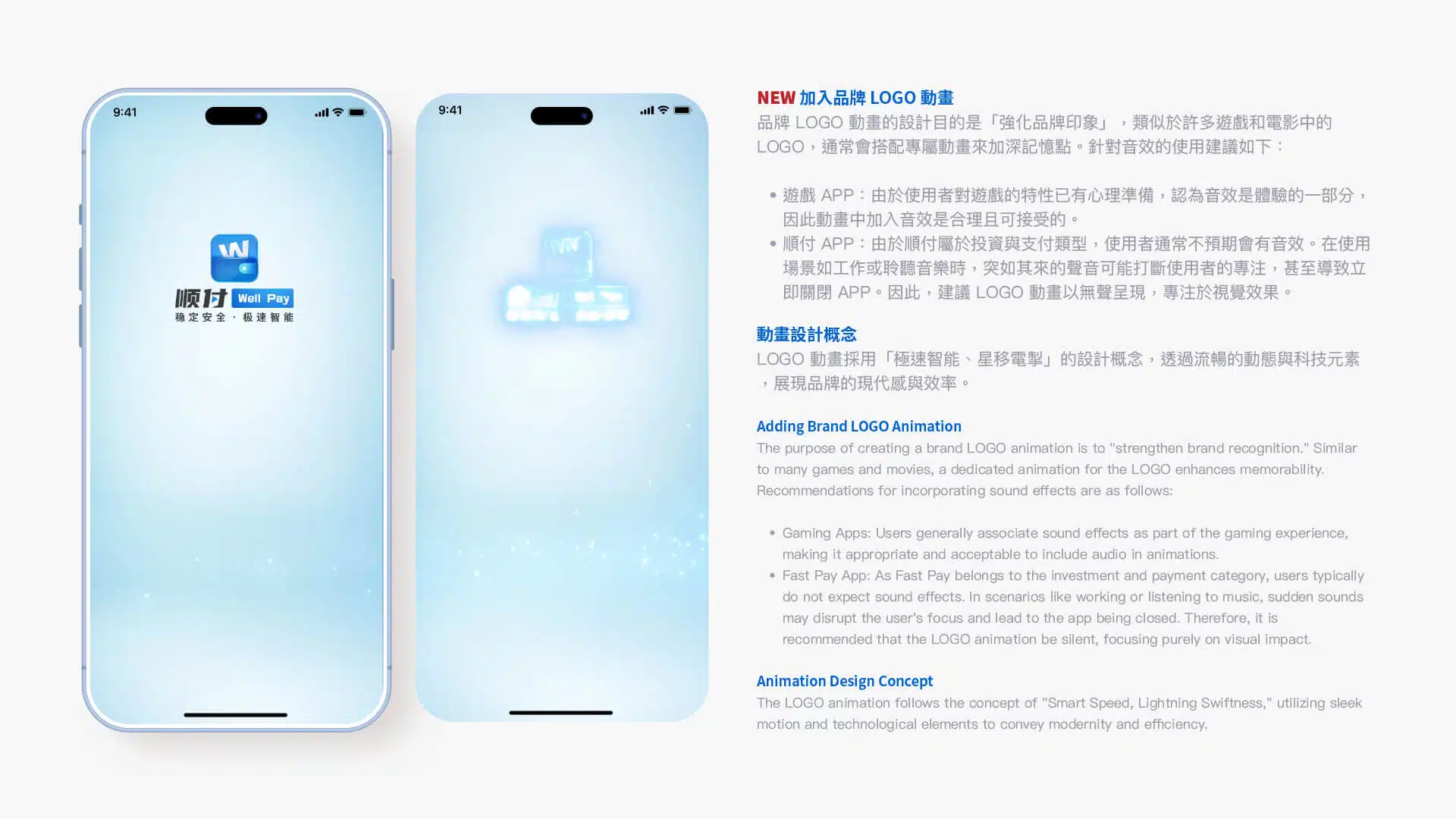
Logo Brand Animation – For Promotional Video Use
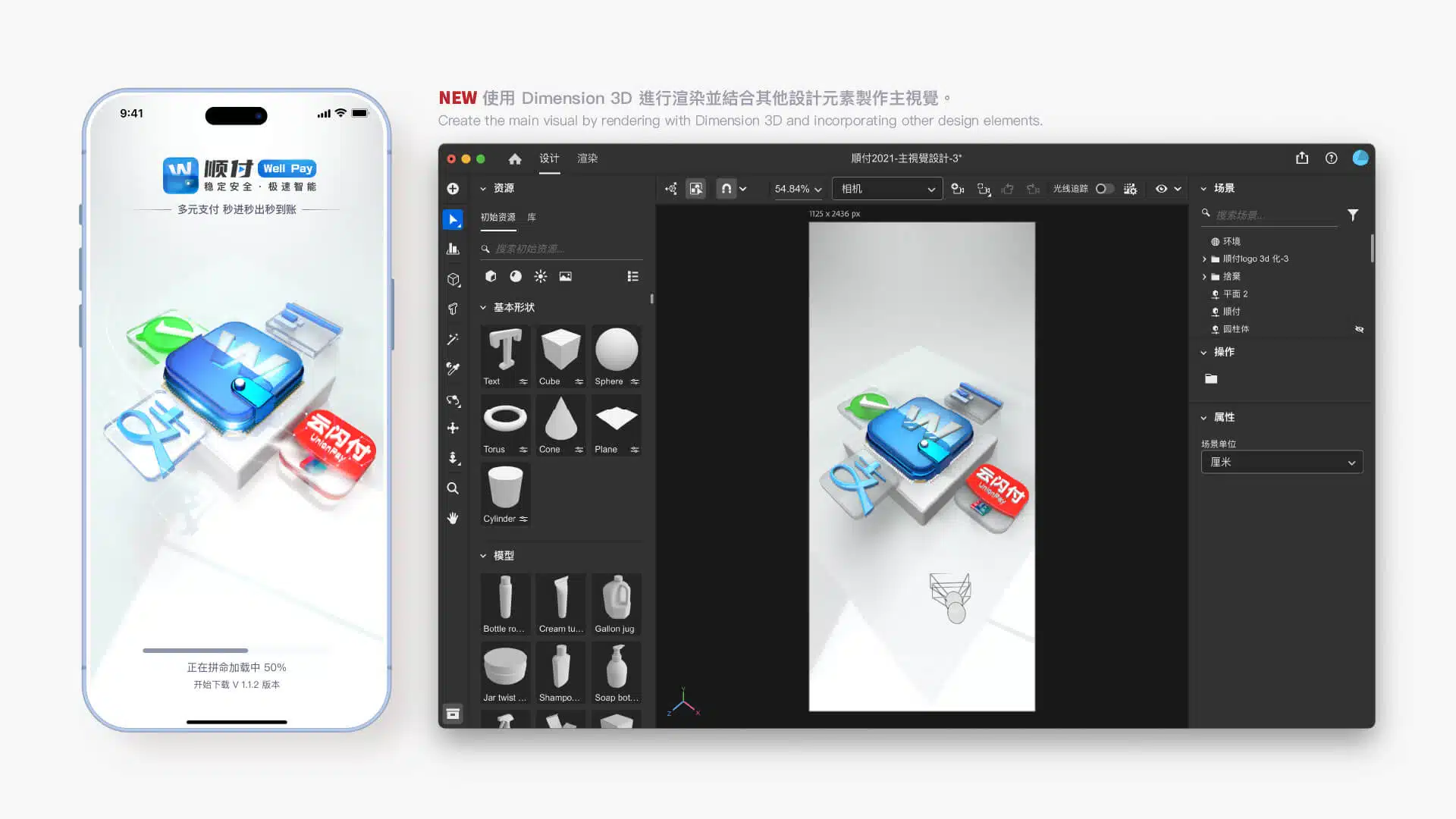
3D Key Visual Design
Using 3D technology to create key visuals offers several advantages. First, 3D design provides stronger depth and dimensionality, making visuals more vivid and attention-grabbing. Compared with traditional 2D design, 3D imagery can present richer details, enhancing the overall sense of layering and visual quality while reinforcing a premium and modern brand image. In addition, 3D design allows for greater interactivity, enabling more flexible visual engagement with users and leaving a lasting impression that strengthens brand recognition. Through 3D technology, key visuals not only increase the appeal of a product but also help a brand stand out in a highly competitive market, shaping a distinctive and future-oriented visual language.
Guidelines
At the same time, design guidelines provide clear direction for designers, developers, and marketing teams, helping streamline workflows, reduce errors, and improve overall efficiency. They also create a stable foundation for future brand expansion or adjustments, preventing inconsistencies that may arise from time, team changes, or evolving project needs. Ultimately, well-defined guidelines help build a professional and trustworthy brand image, ensuring that users experience a consistent and high-quality brand interaction at every touchpoint.
Note: The guideline framework was primarily executed by team member Jerome, with ongoing maintenance and collaboration from other team members.
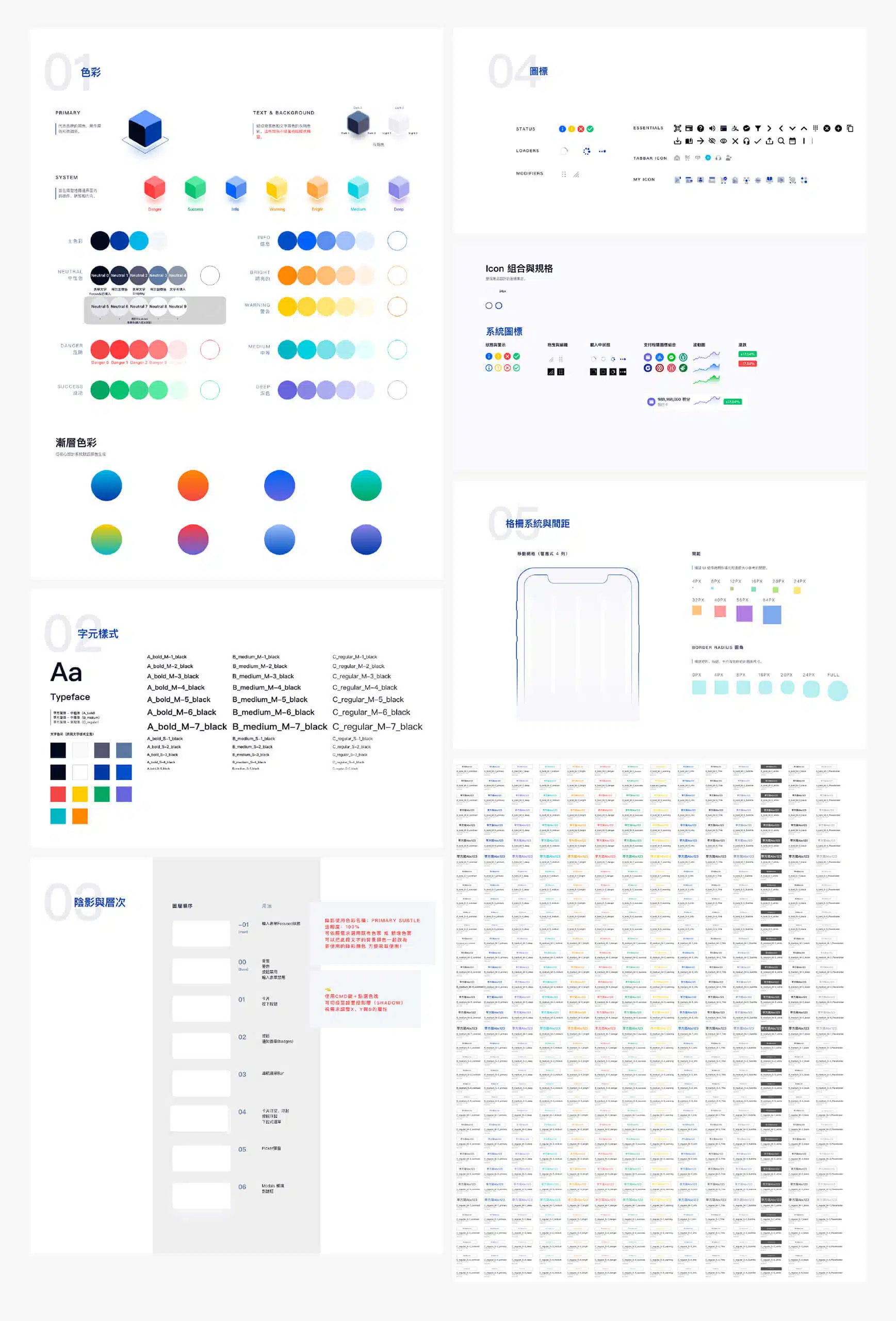
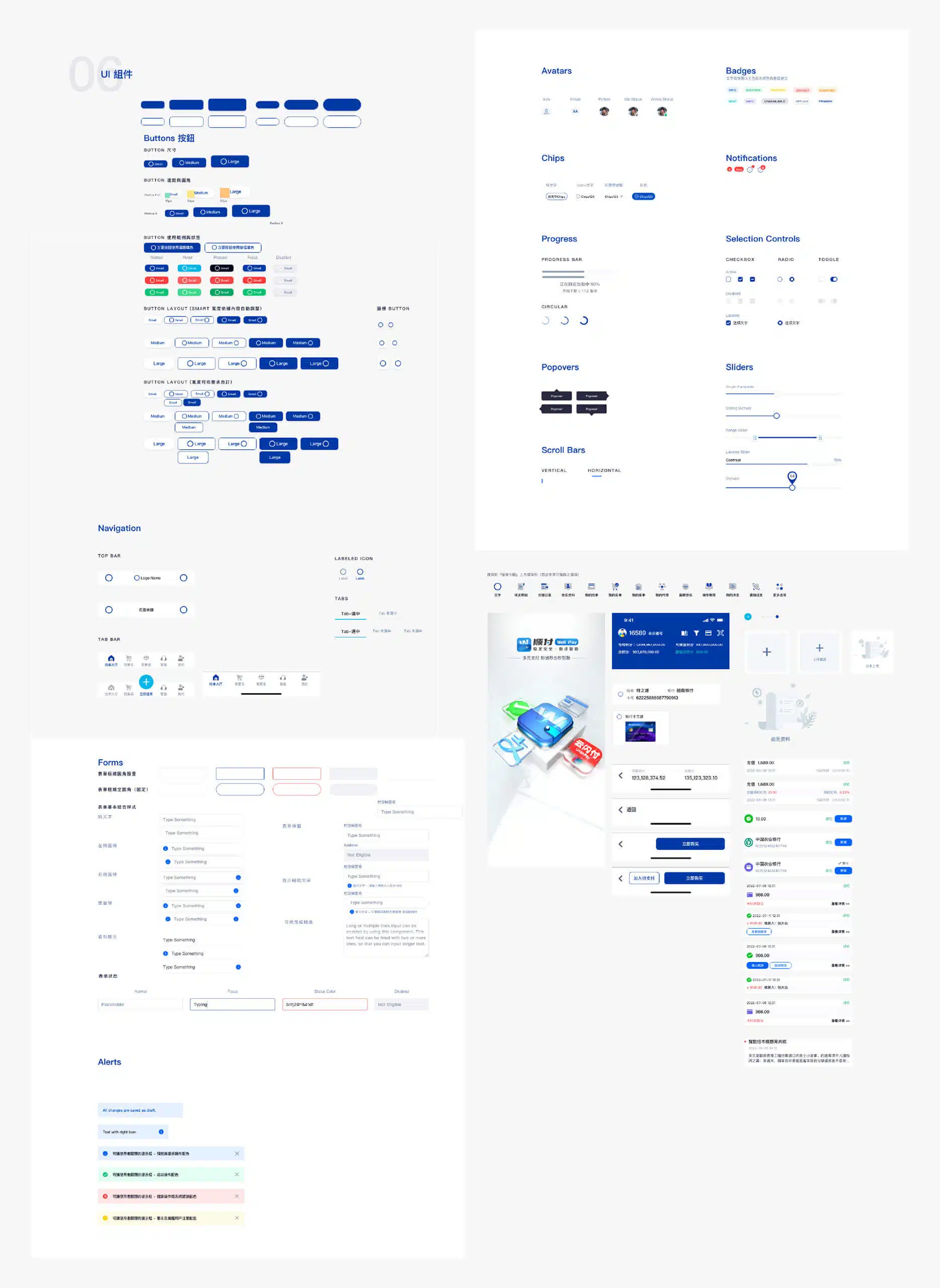
UI Kit – User Interface Component Library
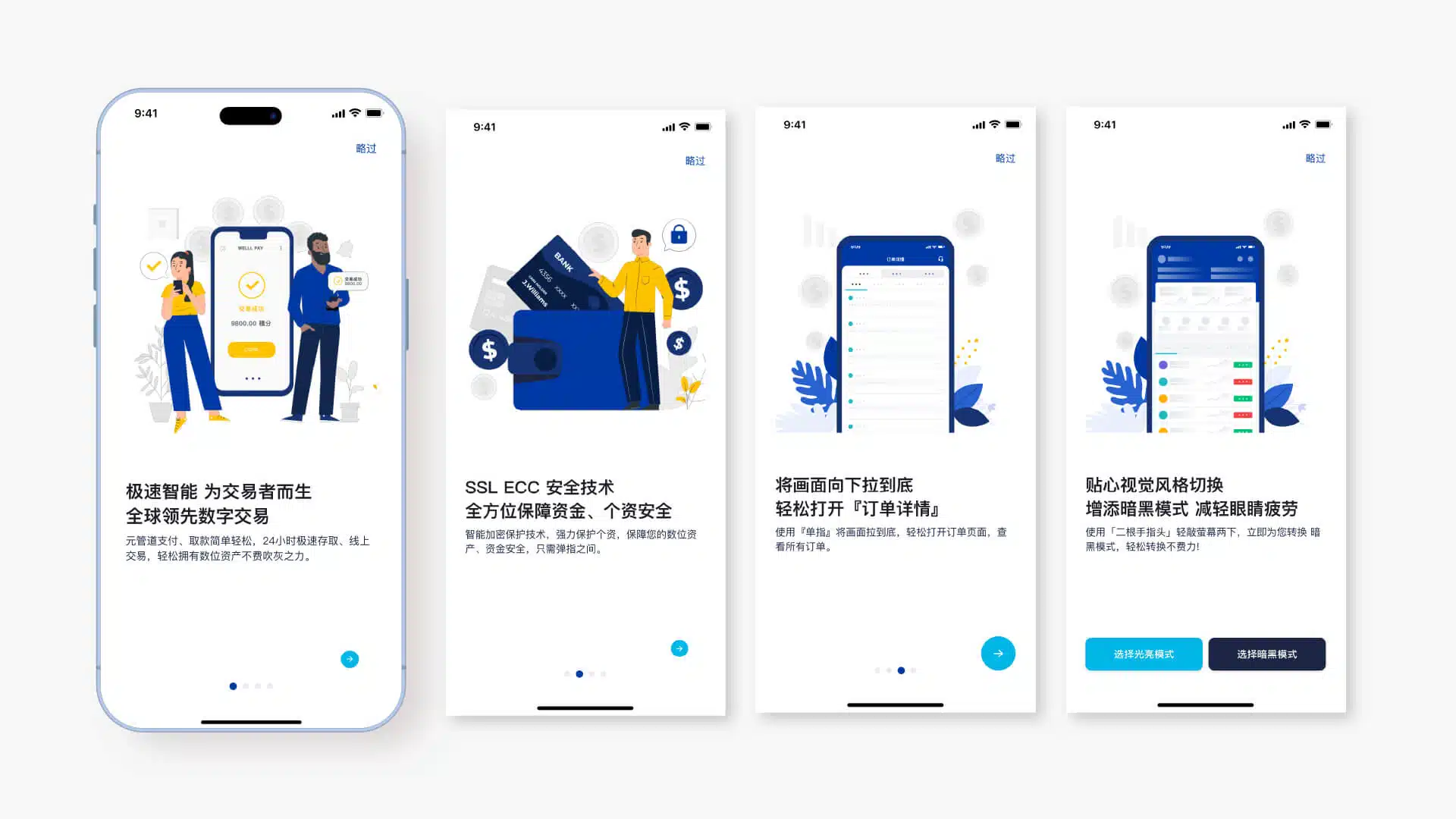
Feature Introduction Page Animation
Displayed Only on First Launch
In app UI/UX design, presenting the introduction pages through animation when the app is opened for the first time is an effective way to enhance the user’s initial experience. Such animations not only capture attention but also create a smooth, modern, and professional visual impression, helping users form a stronger first impression of the app.
At the same time, animated introductions can present core features and highlights more vividly, allowing users to quickly understand the product’s value and shortening the learning curve. Through dynamic presentation, the introduction pages increase user engagement and build positive expectations toward the brand before users enter the app. This approach not only improves user retention and engagement but also enhances the overall appeal and competitiveness of the product.
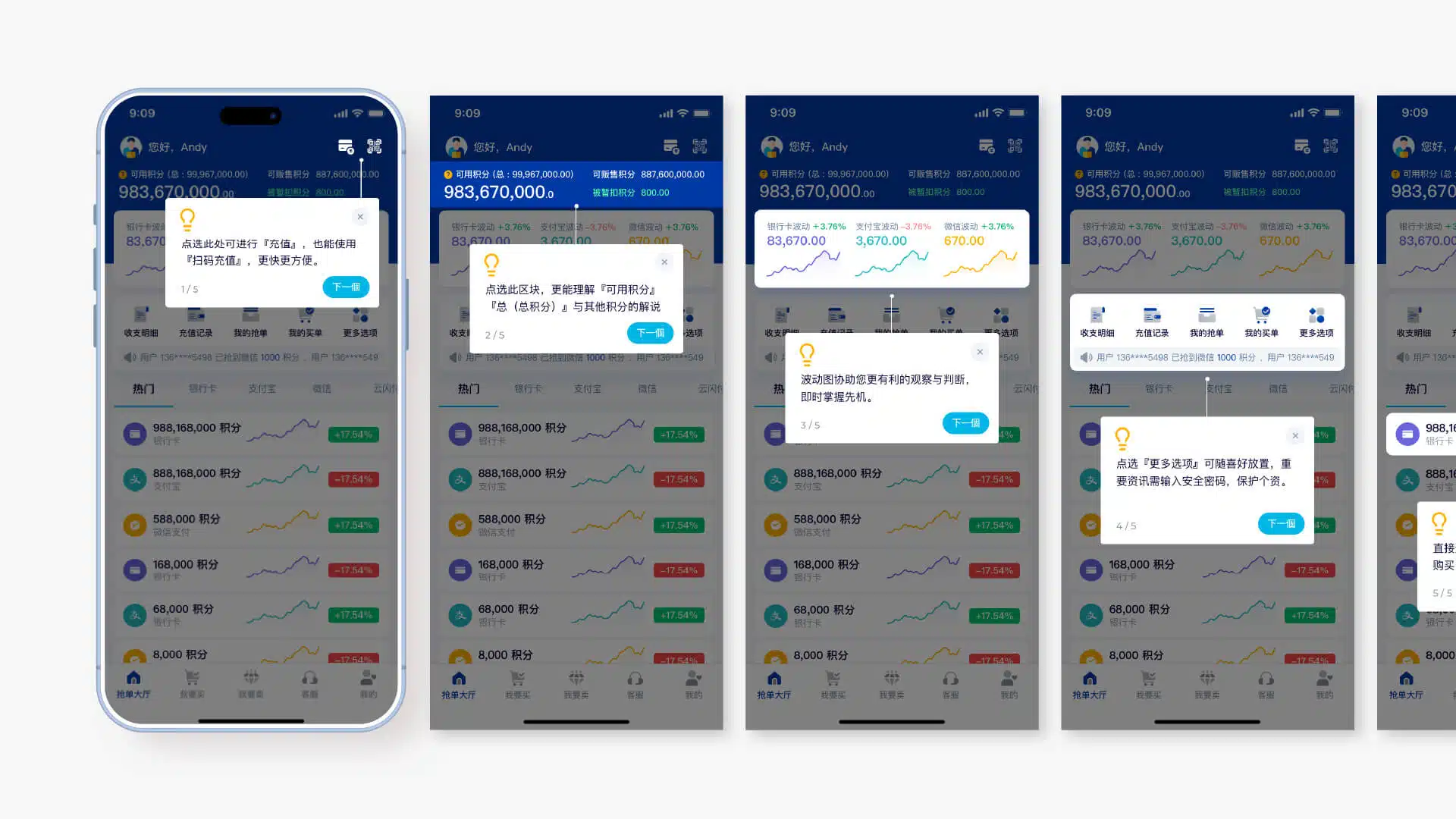
Feature Guide
Displayed Only on First Launch
In app UI/UX design, feature guidance plays a key role in improving the user experience, especially for first-time users. These guides clearly present core functions and operational flows, helping users quickly become familiar with the app while reducing the learning curve and preventing confusion or abandonment caused by unfamiliar interactions.
Through clear and concise design, users can understand the app’s value in a short amount of time and quickly learn how to use its main features. At the same time, feature guidance helps build trust in the product, making the app feel more approachable and user-friendly. This approach not only improves user satisfaction and retention but also strengthens the brand image by demonstrating attention to detail and professional design standards.
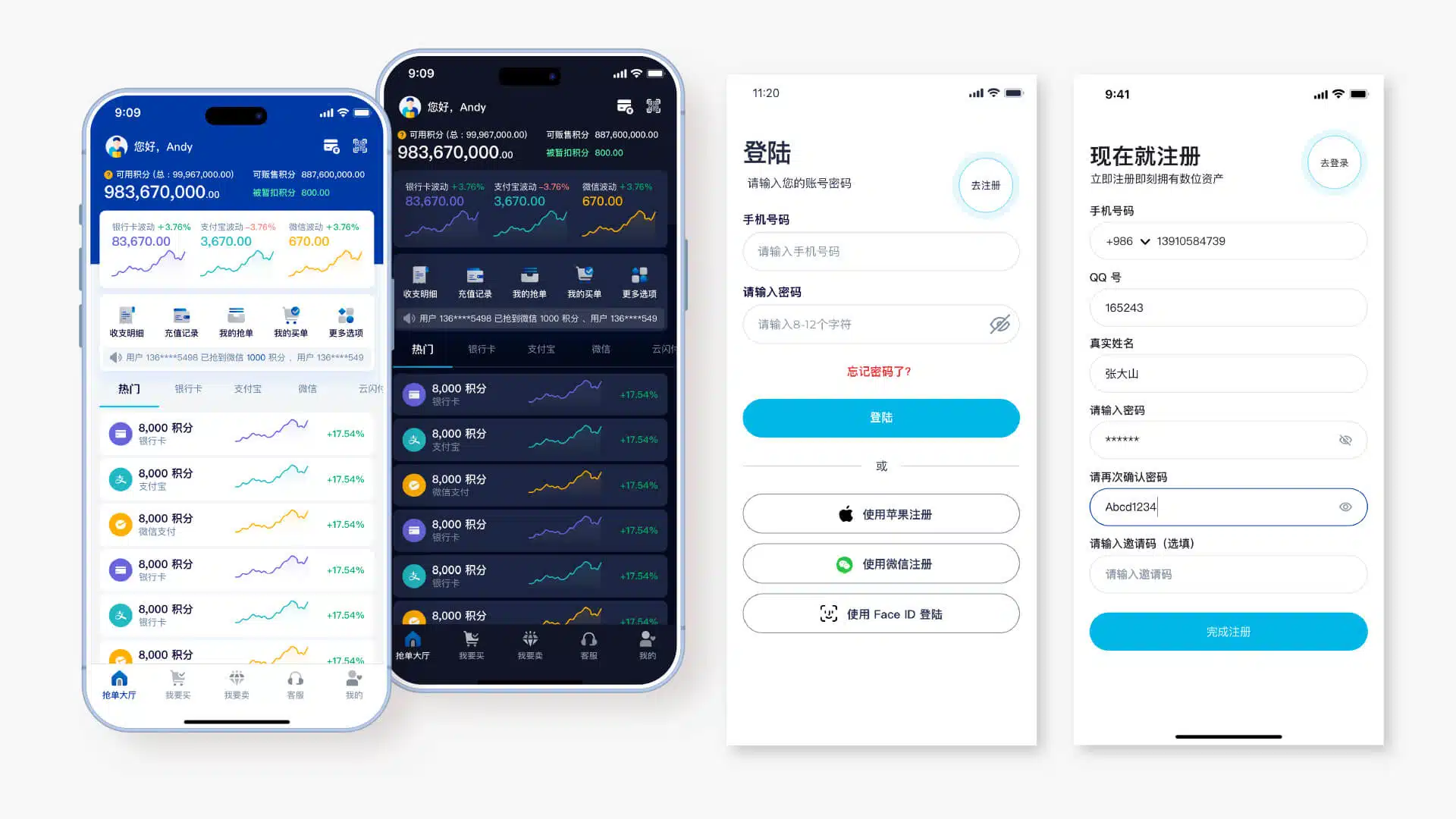
Other Pages
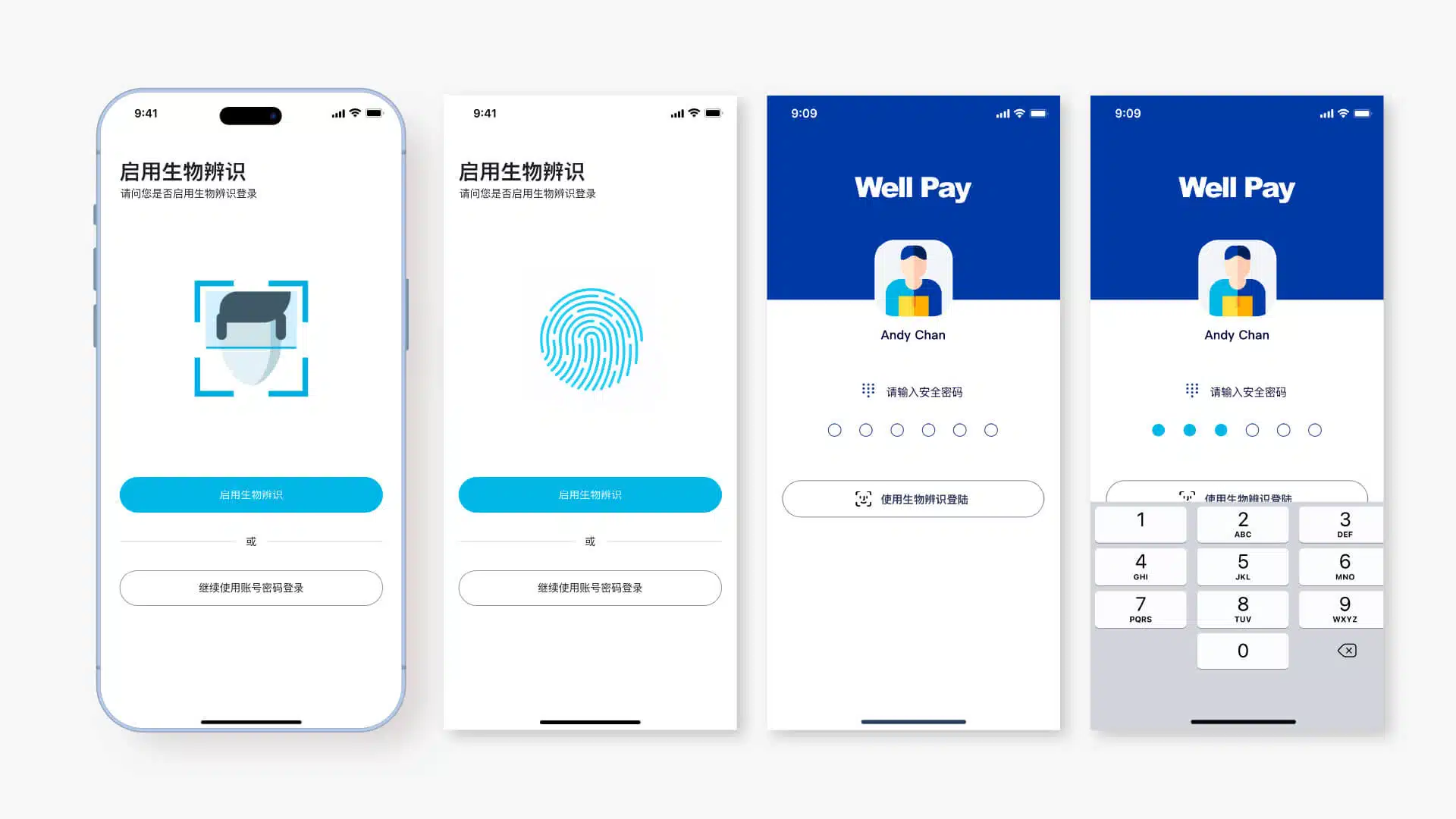
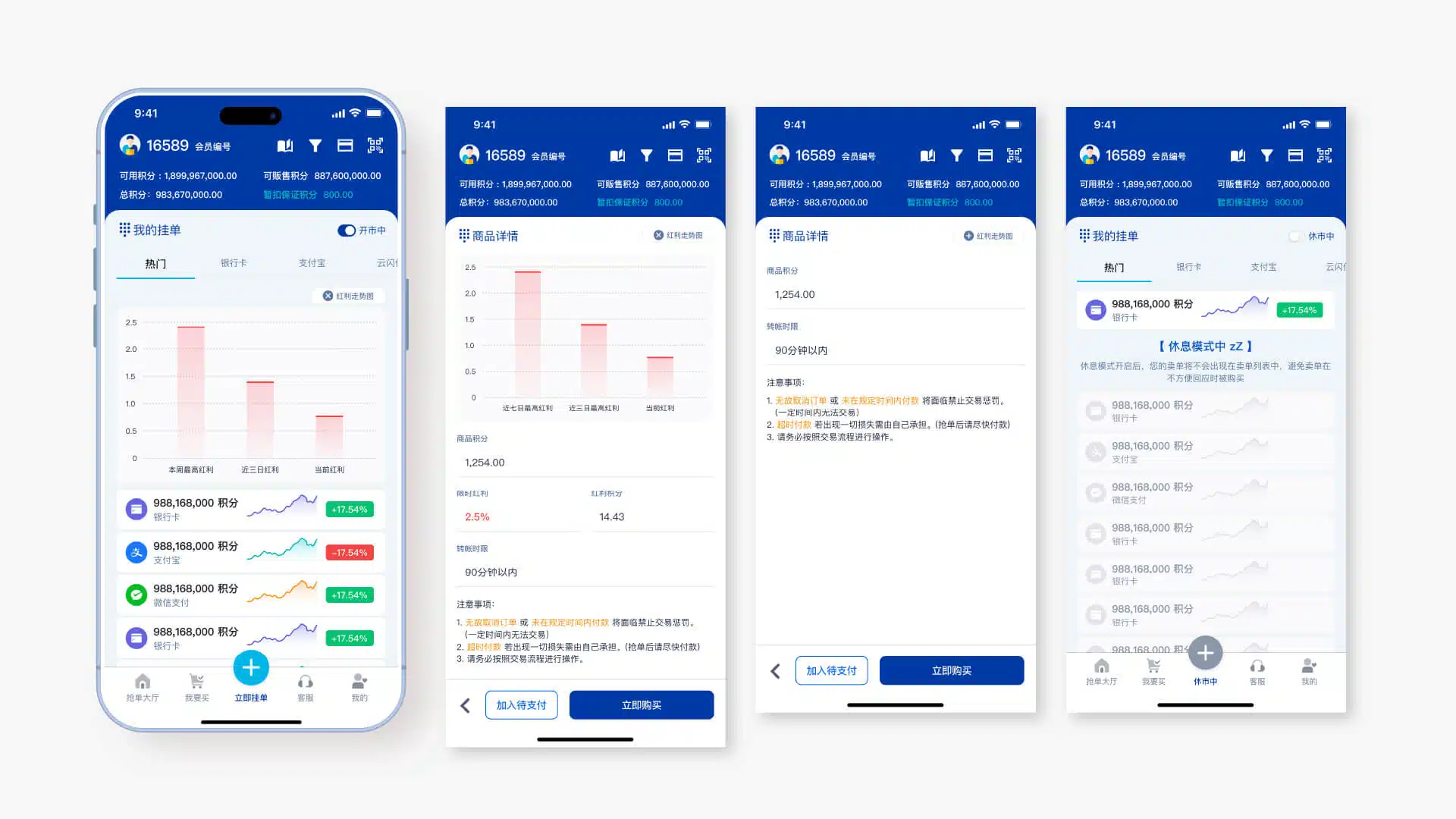
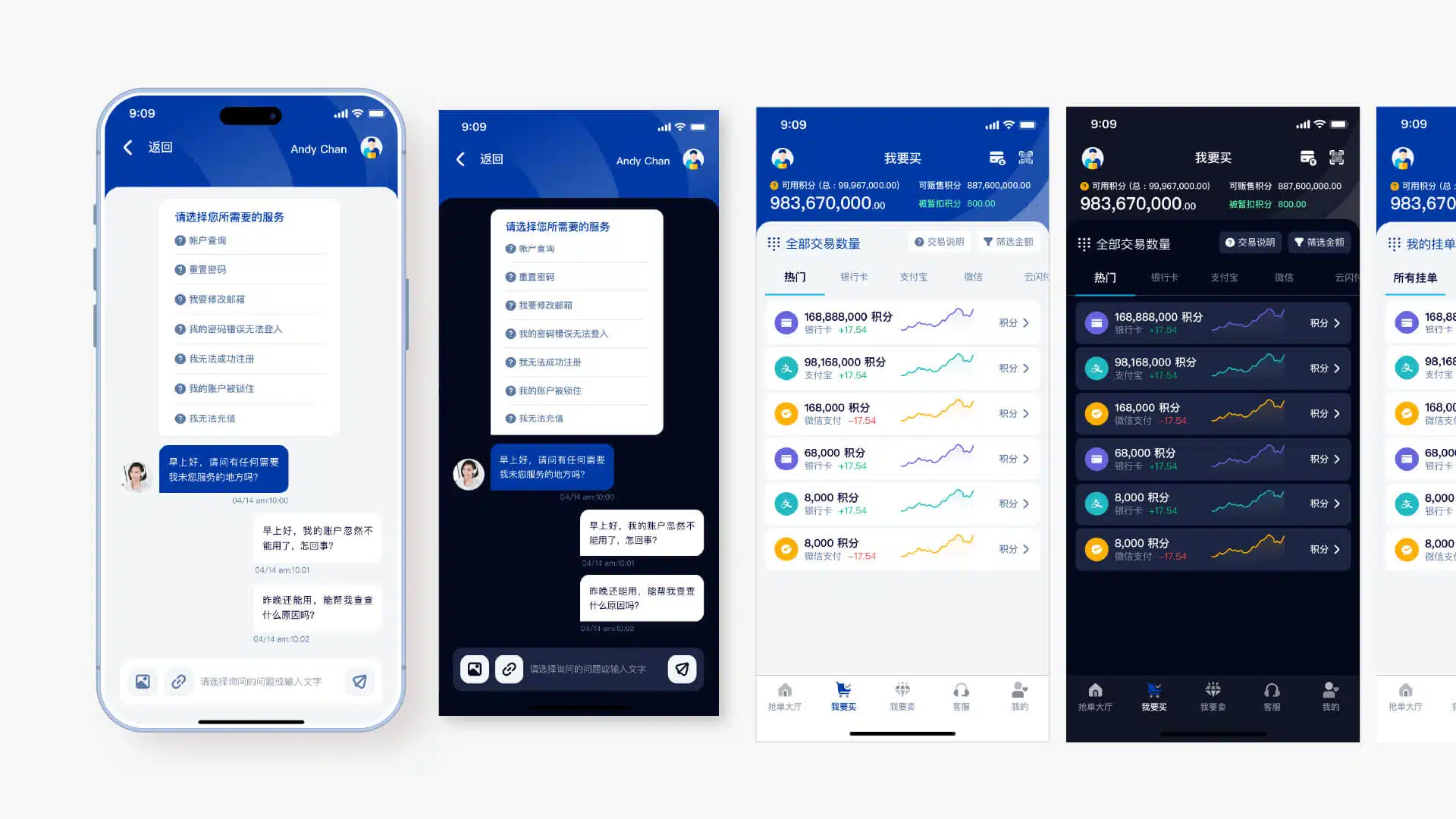
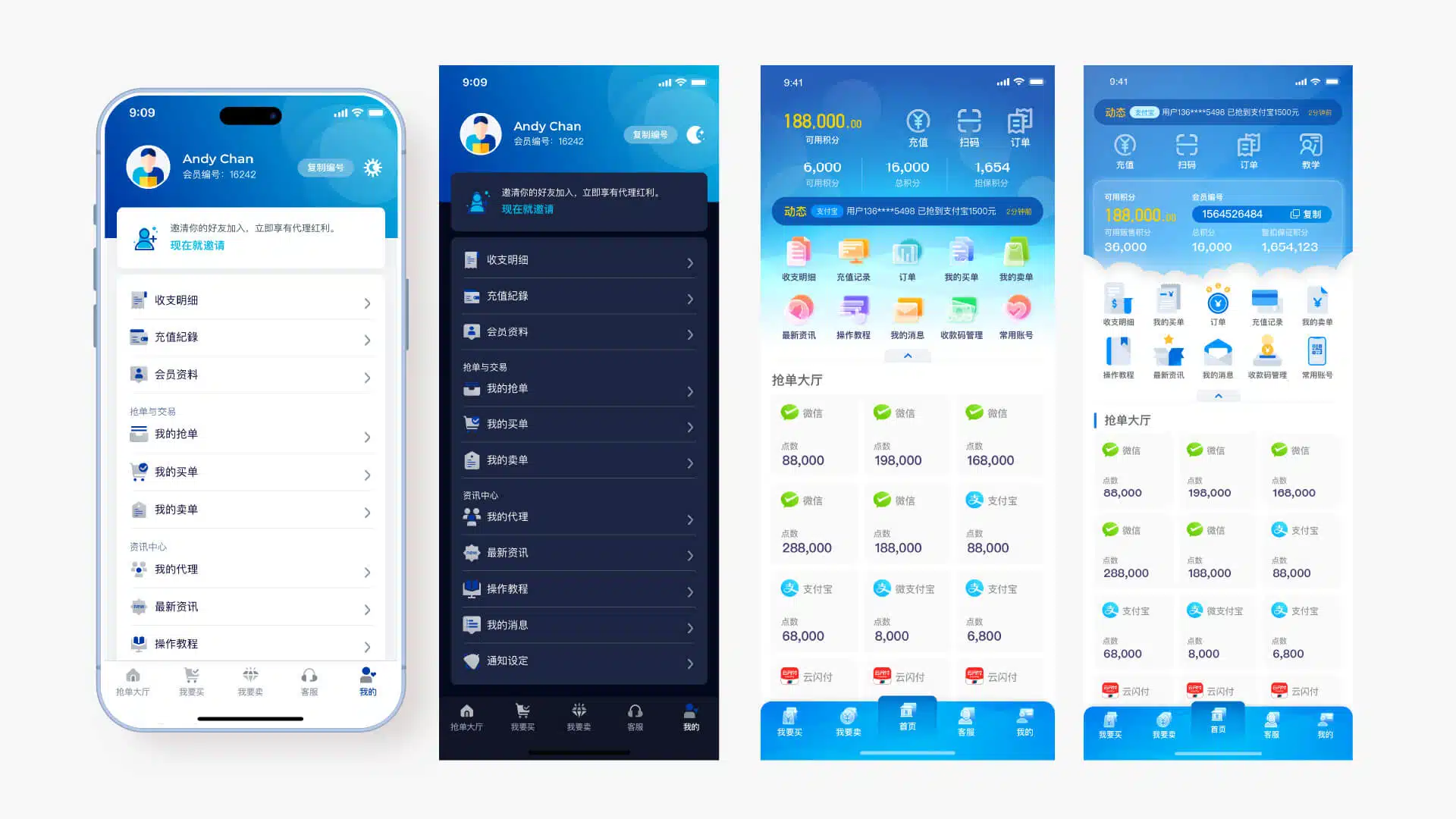
Embedded Interactive Prototype
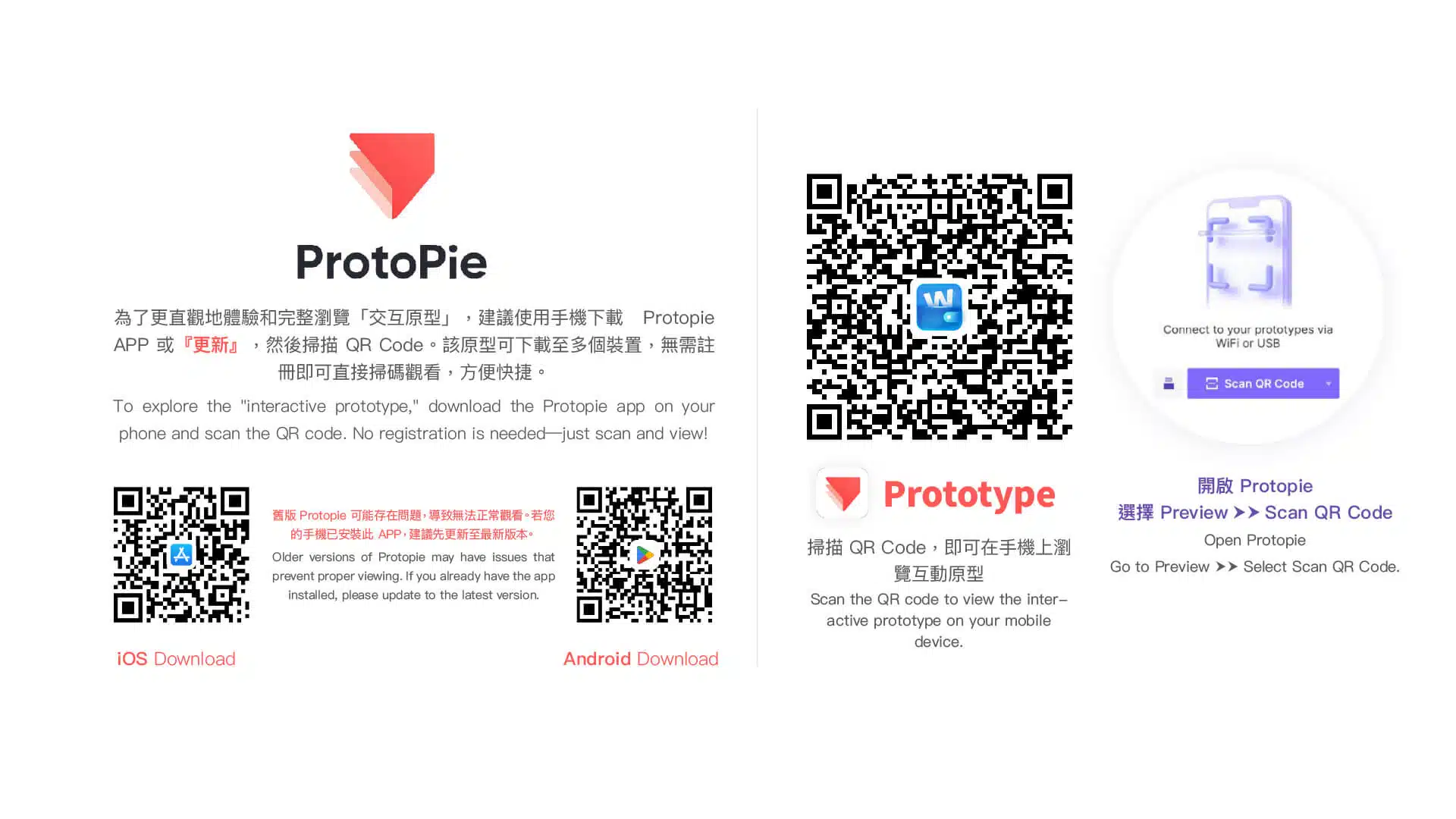
It is recommended to download ProtoPie on your mobile device and scan the prototype QR code to experience the interactive prototype with direct touch interaction. An embedded version of the prototype is also available below, which can be operated using a mouse.
- Shake your device to bring up the menu.
- Or tap the screen twice with two fingers. (This feature can be disabled in the settings.)