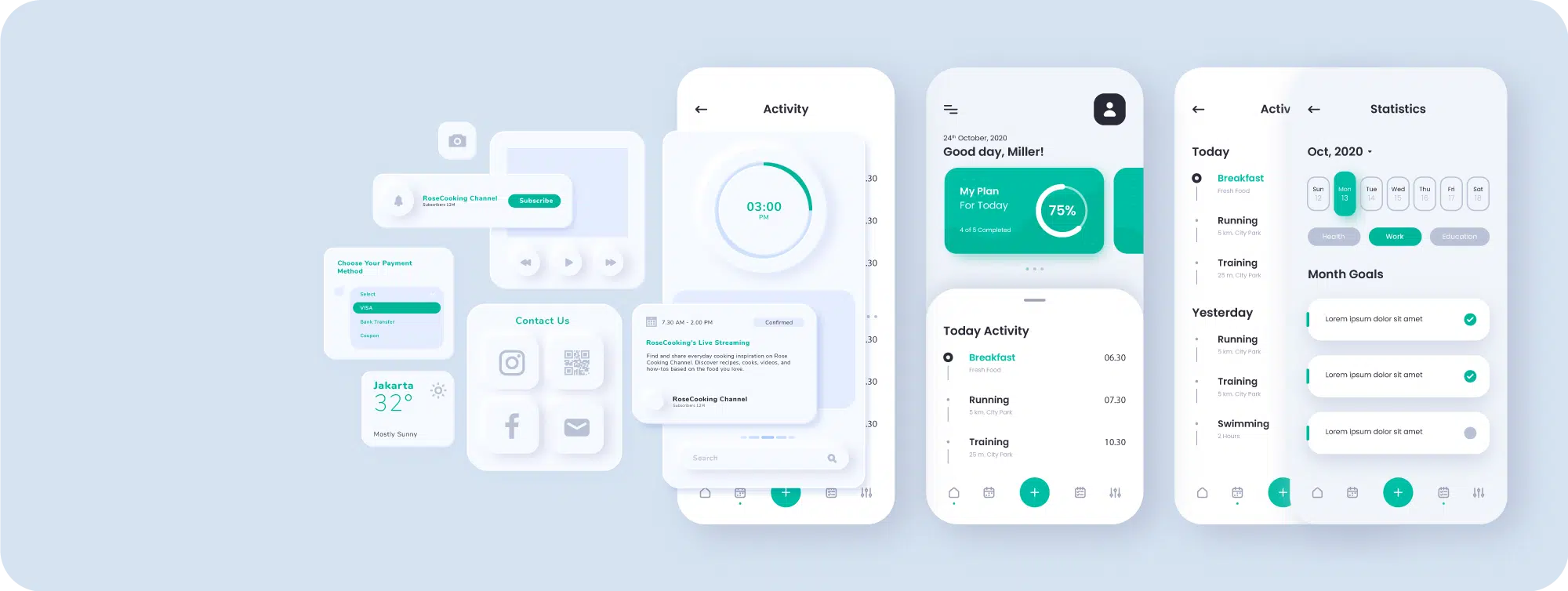
UIUX APP
UI/UX Workflow: Planning, Design, Animation, and Prototyping
Design files are delivered to developers via Zeplin, Figma, or Adobe XD, with ongoing collaboration throughout development to ensure accurate implementation.

① User Story >>
User Needs & User Stories
User stories and scenarios translate abstract needs into clear design directions. UX designers refine priorities through interviews, competitor analysis, traffic data, and A/B testing to continuously optimize design strategy.
② Functional Map >>
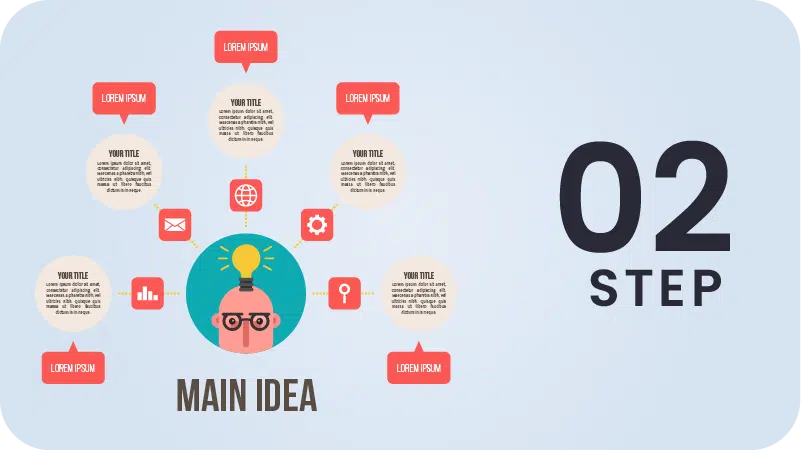
⠿ Feature Architecture & Specifications
Using mind maps, we collaborate with PMs to define, break down, categorize, and prioritize all required features. This gives designers a clear view of the product structure and feature relationships, ensuring designs fully address real needs and reducing rework later.
③ UX Flow>>
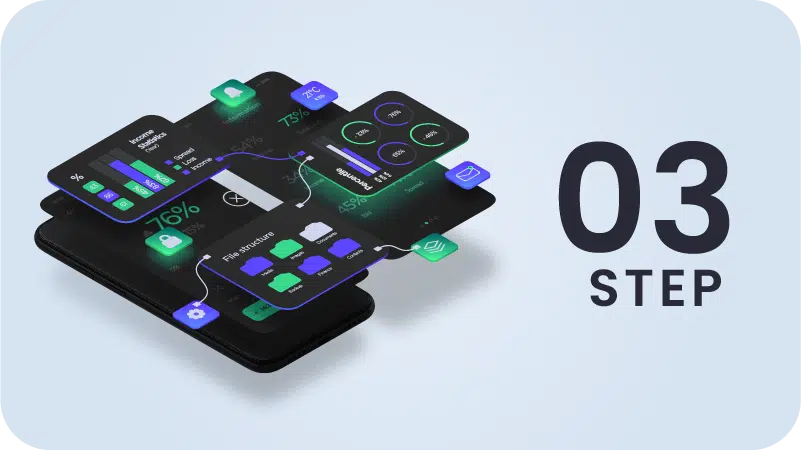
⠿ Product Flow
UX Flow is the umbrella term for flow design. Based on project needs, PMs create User Flows or Wireflows to map the end-to-end journey by function. This process also involves defining Logic Flows to handle edge cases and conditional logic. During handoff, UI designers provide UI Flows to specify interface interactions, navigation details, and animations.
④ WireFrame >>
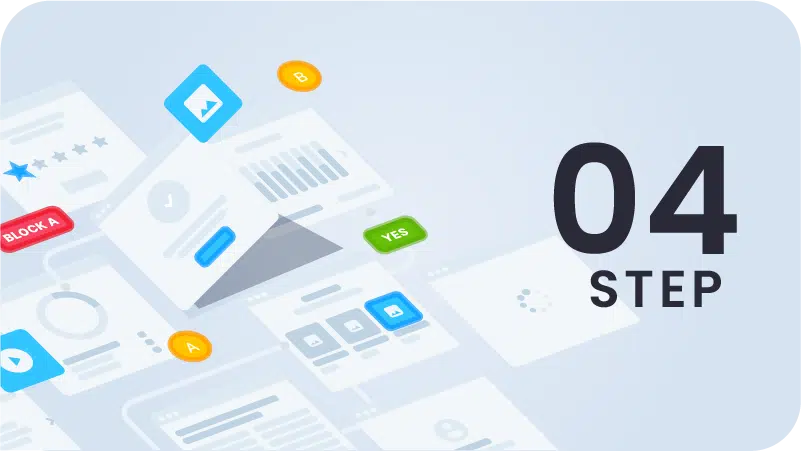
⠿ Wireframes · Design Preparation · Low-Fidelity Prototypes
Stronger upfront planning leads to smoother execution. Even under tight timelines, teams can quickly focus on priorities and deliver practical solutions. PMs may adopt waterfall or agile approaches based on project needs, while the UI team iterates with each Scrum cycle to keep progress steady and respond quickly to change.
⑤ Mockup >>
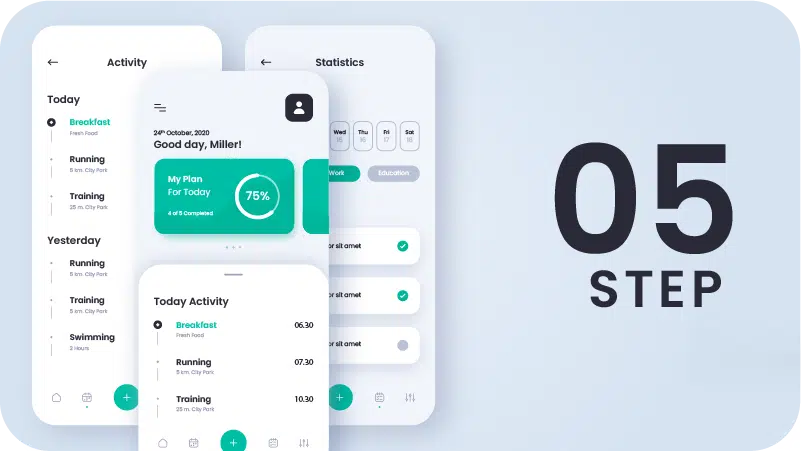
⠿UI & Visual Designs · UI Kit, Guidelines & Library
UI design is developed from wireframes, covering interface and visual design while building the UI Kit, design guidelines, and component library. Designers work closely with UX to refine experience details, proactively propose improvements, and balance design quality with delivery efficiency under project timelines and urgency.
⑥ Prototype >>
⠿ High-Fidelity Prototypes · Interaction Docs
“If a picture is worth a thousand words, a prototype says even more.” Interactions and animations are often interpreted differently, and text alone can cause misalignment. High-fidelity prototypes demonstrate behavior directly, giving developers clear values, interaction logic, and implementation cues—significantly reducing communication costs.
⑦ Design Review >>
⠿ Design Fidelity Review & Report
The final safeguard is a full design review of the development output to ensure faithful implementation. Layout, spacing, colors, components, typography, interactions, motion, and feedback are checked and documented with design references, screenshots, and exact values to support precise adjustments.

⑧ Ongoing Reviews >>
⠿ Good Is Never Enough
There is no perfect product—only evolving design. Through continuous reviews and feedback, we turn every issue into an opportunity for improvement, steadily enhancing quality and moving the overall experience forward.

⑨ Feature Iteration & Refinement >>
⠿ Optimizing functionality to deliver better experiences
Feature optimizations are evaluated against real resources and team capacity. We consider development workload and feasibility to ensure proposals are actionable—not just ideal. Clear communication and coordination help each improvement deliver maximum impact within real-world constraints.
Six Types of UI/UX Motion
These motion techniques are detailed in our “Prototyping” and “Motion Design” articles, with guidance on real-world use and solution selection.
Purposeful motion brings products to life, clarifying system states, smoothing transitions, and improving usability and user experience.
01
Lottie Animations
Lottie is a JavaScript-based JSON vector animation format and one of the most effective solutions for UI motion today. It is lightweight and fast-loading, reducing performance overhead, while allowing developers to directly control animation parameters for easy integration and maintenance. As a vector format, it remains sharp at any scale and works across platforms and devices. Currently, After Effects fully supports Lottie, with Animate gradually adding support.
02
SVGA Animations
SVGA is a high-performance animation format supporting iOS, Android, Flutter, and Web platforms—ideal for cross-platform projects requiring smooth motion. Created with Animate (formerly Flash), SVGA is more performance-efficient than AE in many cases. It delivers stable playback across devices while balancing performance and visual quality, making it well suited for mobile and web animations.
03
High-Fidelity Interactive Prototypes
“So real, it feels already built.”
High-fidelity interactive prototypes help clients clearly understand product interactions early and provide concrete feedback. Once validated, designs are handed off to development—reducing misalignment, rework, and ensuring the final product meets real needs.
04
Motion Video
Motion video captures attention quickly, communicates brand messages clearly, and strengthens recall. Beyond marketing, it also supports UI/UX explanation—helping users intuitively understand interface interactions and logic. Its flexibility and visual impact make motion video an essential element of modern digital products.
05
Animated GIFs
Photoshop is suitable for quick, basic animations. For more complex motion, Animate is recommended. When complexity increases further, video formats are preferred to avoid large GIF files that impact performance and loading speed.
06
HTML5 Canvas
After Flash was phased out, many overlooked Animate’s evolution into a key tool for HTML5 Canvas animation. Animate supports HTML5 workflows and is moving toward Lottie export. While technical challenges remain, it has become a mature option for web animation—balancing performance and interactive quality.

