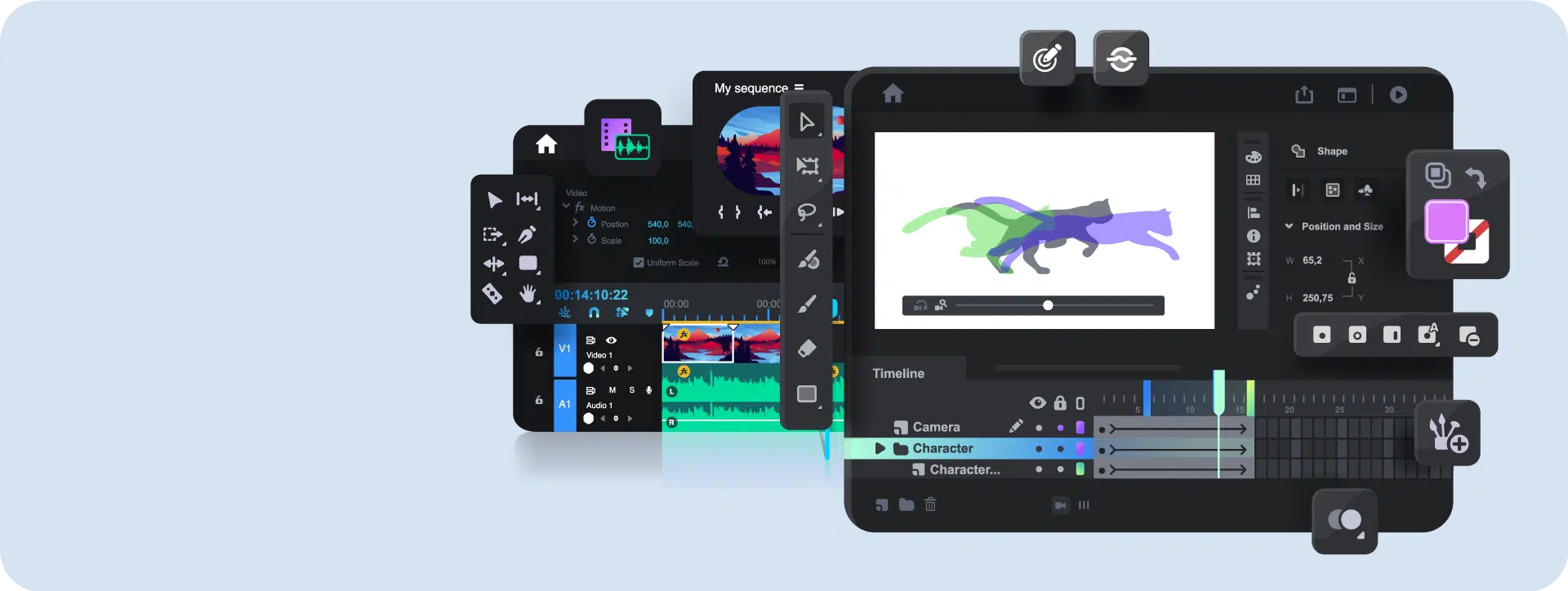
Animation
Design
Six Types of Motion | Bringing Products to Life
The value of motion lies not in spectacle, but in clearly communicating design intent. When used correctly, motion helps products stand out and become easier to understand and remember in competitive environments. In practice, motion serves three key roles: communicating system states, guiding navigation and flow transitions, and providing immediate visual feedback—directly shaping user confidence and experience quality.



01
Lottie Animations
Lottie is a JavaScript-based JSON vector animation format and one of the most mature and reliable solutions for UI motion. It is lightweight, fast-loading, and allows developers to flexibly control animation parameters. As a vector format, it remains sharp at any scale and runs seamlessly across platforms. Currently, After Effects fully supports Lottie creation, with Animate gradually adding support.
02
SVGA Animations

SVGA is a high-performance animation format supporting iOS, Android, Flutter, and the Web. Created with Animate (formerly Flash), it delivers vector animations more efficiently than After Effects. SVGA offers stable playback on mobile and web, making it ideal for projects that require smooth motion with strong performance.
03
High-Fidelity Interactive Prototypes

“So real, it feels already built.”
High-fidelity prototypes help clients clearly understand user flows early and provide actionable feedback. Once requirements are validated, designs are handed off to development—reducing misalignment, rework, and wasted resources while keeping the process precise and controlled.
04
Motion Video
Motion video combines visuals, sound, and rhythm to communicate information, tell stories, and showcase product features quickly. Its flexibility turns abstract ideas into clear, engaging visuals—improving understanding and making brands and projects more memorable.
05
Animated GIFs

GIFs are suitable for simple, short animations. Photoshop works well for quick motion, while more complex structures are handled in Animate. As requirements increase, video formats are recommended to avoid large GIF files that impact loading performance and user experience.
06
HTML5 Canvas

After Flash was phased out, Animate evolved into a key tool for HTML5 Canvas animation, suitable for modern web and interactive experiences. It is also moving toward Lottie export support. While still evolving, its potential in web motion design is promising.

Lottie Animation Workflow
01-1
Install the Lottie Plugin

When installing the official Lottie plugin in After Effects, there are two options: LottieFiles and Bodymovin.
For Adobe Creative Cloud users, setup is straightforward—install the LottieFiles plugin and sign in or create an account to get started.
01-2
Import AI Vectors into After Effects
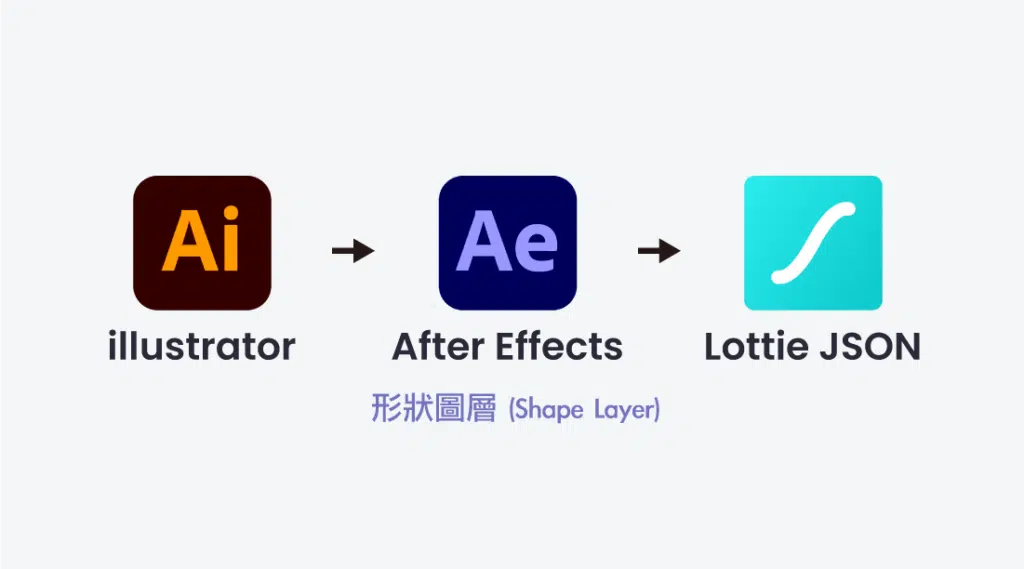
Prepare animations and organize layers in Illustrator for a clean AE import. AI files must be converted to Shape Layers to export correctly as Lottie. Keep animations simple, as complex effects are not supported.
01-3
Create & Export in After Effects
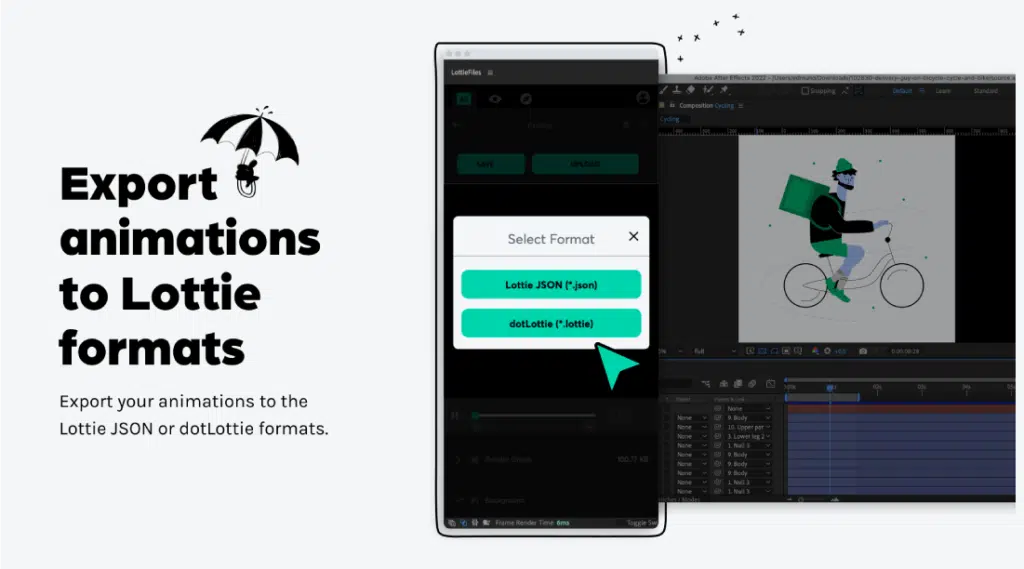
In older versions of After Effects, Lottie exports require the Bodymovin plugin. In AE 2023, the LottieFiles plugin is available directly via Adobe CC and supports direct Lottie export—eliminating extra steps.
Animate Animation Workflow
GIF, SVGA, and HTML5 Canvas animations are all created in Animate
02-1
Select Licensed Music
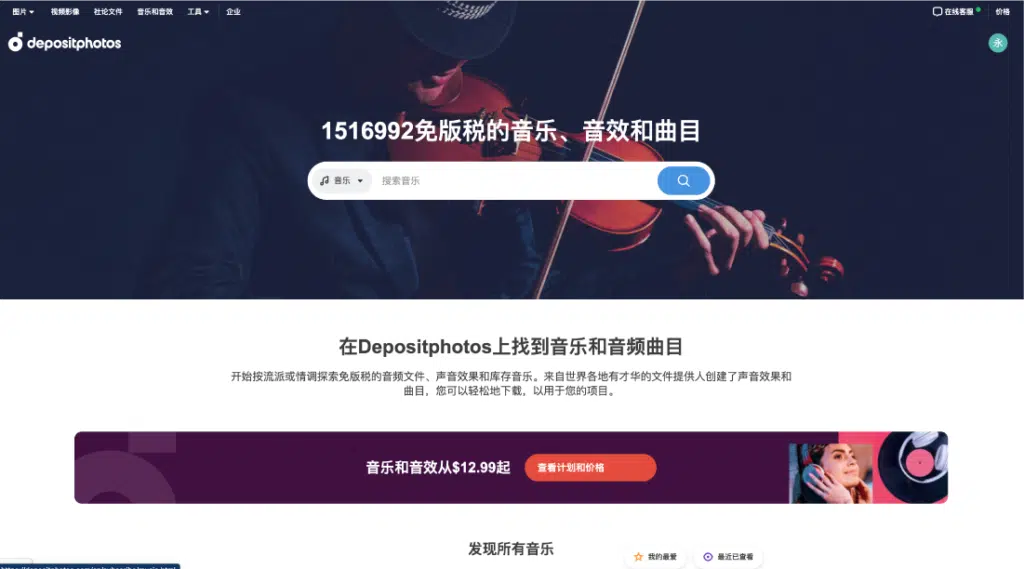
Choose licensed music that matches the theme and tone of the animation. By listening repeatedly and marking beat timings, animations can be synced precisely to the music—enhancing rhythm and overall impact.
02-2
Vector Storyboards & Copywriting
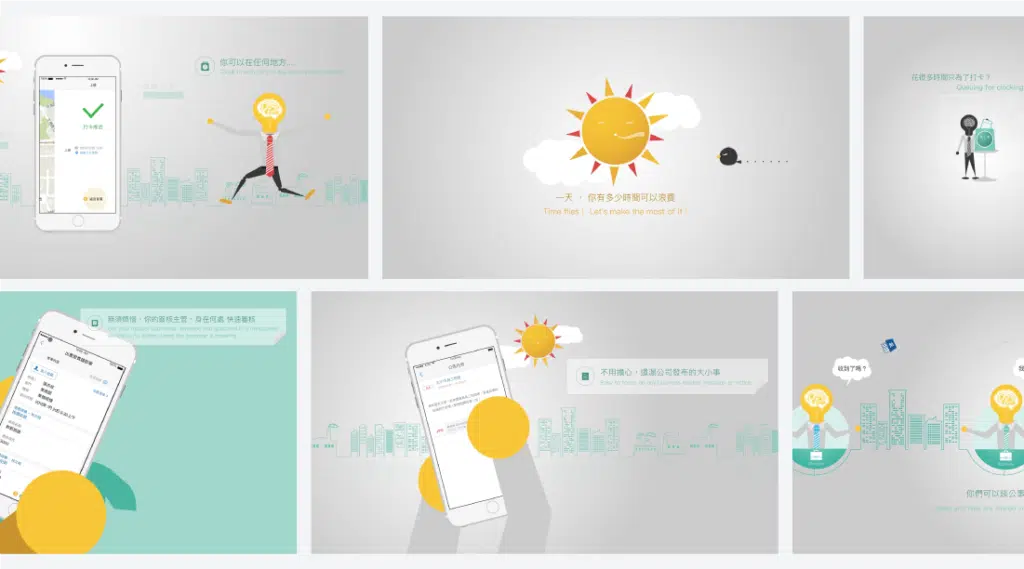
Scripts and copy are planned based on the video’s style and purpose. Scene lengths and transitions are defined according to the music’s rhythm, ensuring animation and sound align smoothly for a cohesive and engaging result.
02-3
Import Design Files into Animate

Well-organized layers in AI vector files are essential. A clean layer structure makes it easier to control layout and animation in Animate, ensuring elements enter, exit, and move in the intended order—and simplifying animation timing for each scene.
02-4
Combine Animation & Music
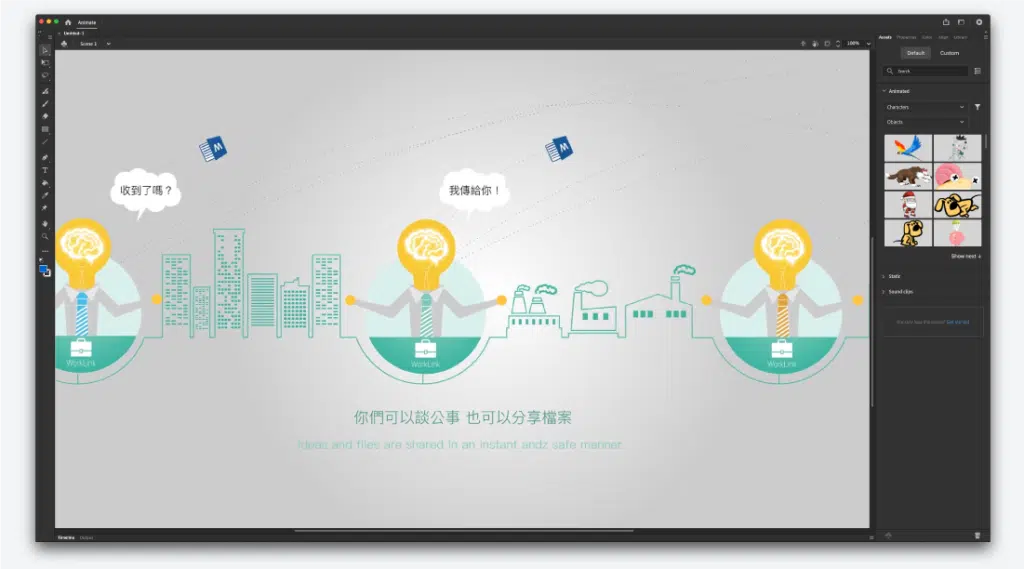
Animation and music must work in harmony. When rhythm and motion flow together naturally, they reinforce each other—enhancing engagement, immersion, and preventing the video from feeling flat or disengaging.
02-5
Export in 4K Quality
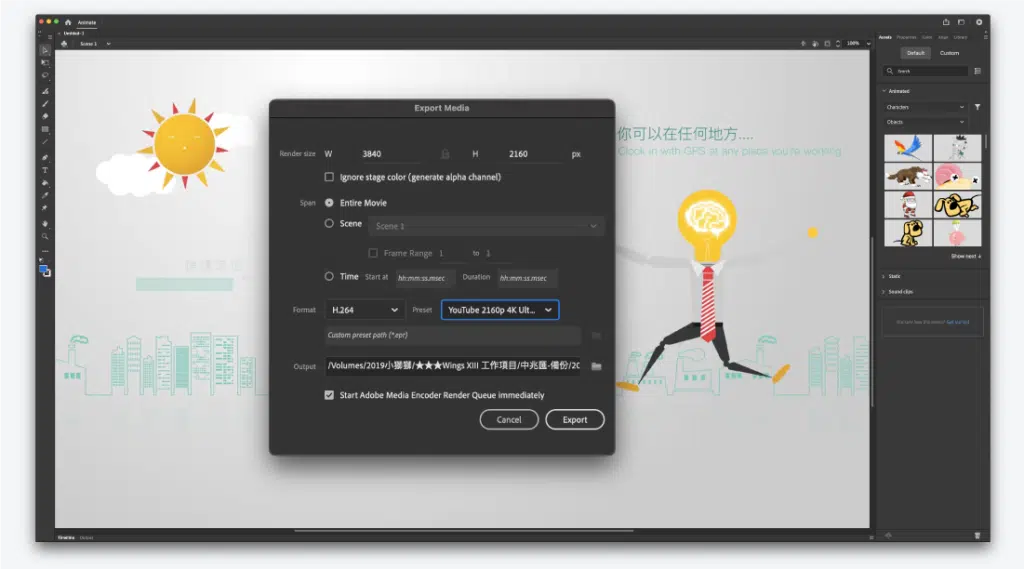
4K exports require longer processing time, so careful checks are essential. All visuals, animations, and copy are reviewed before export to avoid errors and re-rendering. Early validation helps reduce rework, save time, and keep the production process efficient.
02-6
Final Output
Repeated review is essential for quality control. We check every detail, log any issues, and notify the client early so feedback and revisions can be discussed before final delivery. This reduces rework and ensures the final result meets expectations.
After Effects Workflow
AE supports GIF, SVGA, and Lottie creation, but is fundamentally a motion and visual effects tool for video production.
04-1
Select Licensed Music
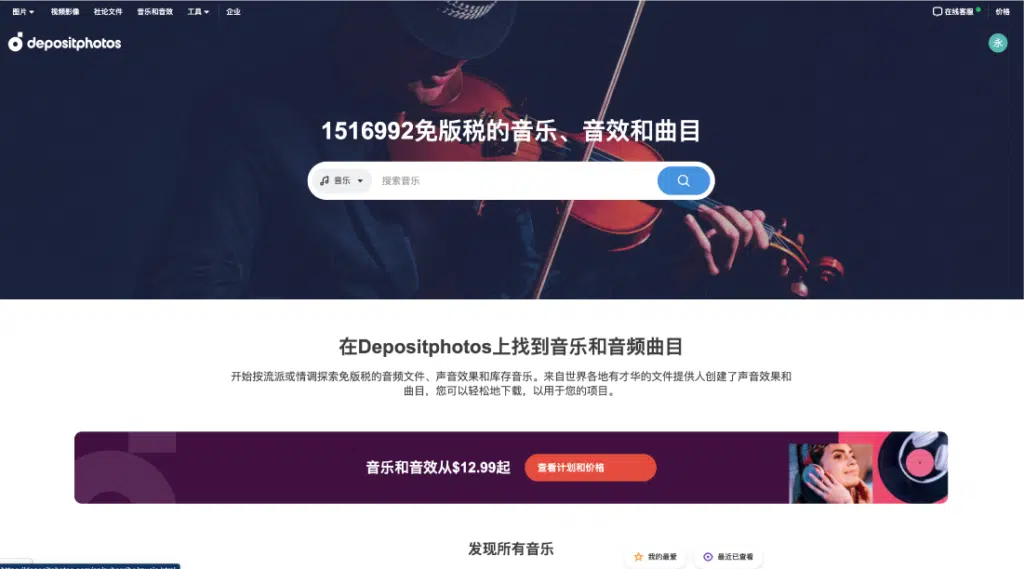
Choose licensed music that matches the video’s theme and tone. The right music reinforces emotion, strengthens storytelling, and enhances overall impact.
04-2
Scriptwriting & Copy
Scripts and copy are written with clarity and brevity, structured around the music’s rhythm to define scene timing and pacing—ensuring visual and audio stay in sync and the video remains engaging.
04-3
Source Licensed Assets

Licensed footage is selected, shot, or created to match the video’s theme and requirements. Assets are then broken down and adapted to the script, recomposited in After Effects with color, motion, and transitions refined—ensuring a seamless fit and consistent final result.
04-4
Production, Revision & Refinement
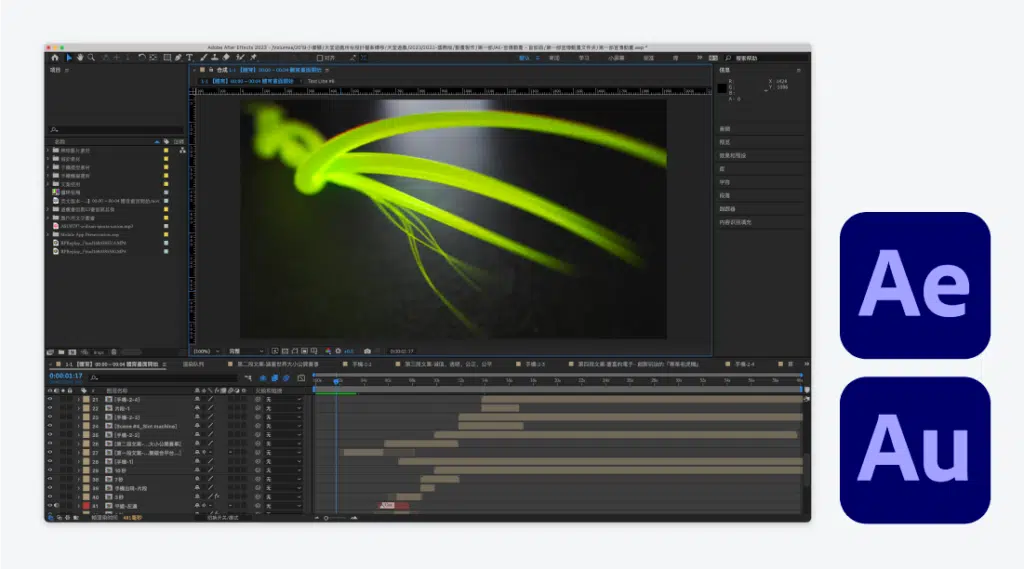
We ensure a clear narrative flow, continuously refining the script and assets. Final editing is completed in Premiere Pro—cutting video and music, adjusting pacing and transitions to achieve the best audiovisual result.
04-5
Edit Video & Music in Premiere Pro
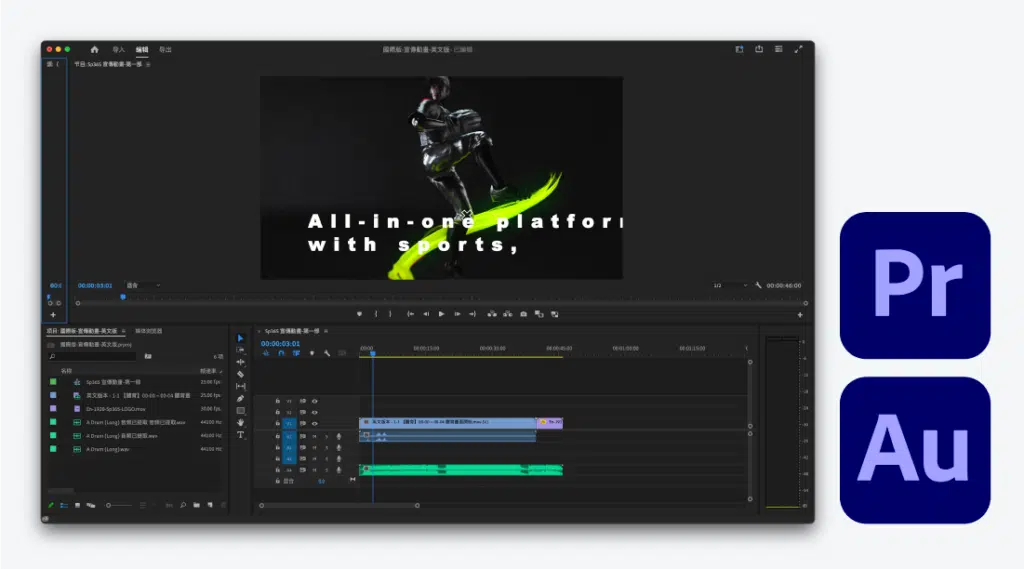
The video is reviewed repeatedly for accuracy. Once approved, it is exported via Media Encoder as a high-quality YouTube-ready file, ensuring correct format and resolution.
04-6
Final Output
We review the overall flow to ensure visuals and music work in harmony. The video should feel smooth from start to finish, with a strong first impression that captures attention and encourages viewers to keep watching.

